


IvyBet App
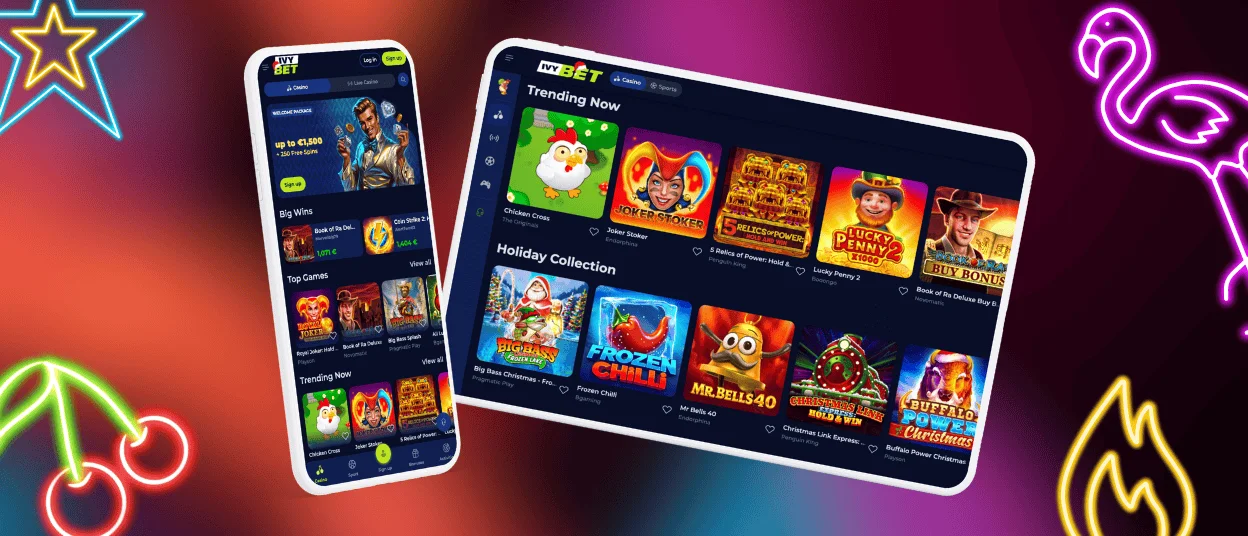
The IvyBet app lets you play anywhere. It’s our dedicated mobile casino app, designed to feel comfortable on both your mobile device and your computer. It runs as a progressive web app (PWA), so you can access it directly from your browser, eliminating the need to download games from a traditional store or go through lengthy installations. We develop and support the software ourselves, so the IvyBet app works the same no matter where you play. You can play your favorite games whenever you have a spare moment.



Key Features
The special features of the Ivy Bet app will diversify your playing experience:
| Feature | Details |
| Game Selection | Choose from over 6,000 table games, including slots, blackjack, poker, roulette, and other high-stakes live dealer casino games. |
| Bonuses and Promotions | Get generous welcome bonuses, regular free spins, special promotions, and exciting tournaments with consistently large prize pools. |
| Automatic updates | Get the latest design changes, performance improvements, and newly added games automatically, without additional app updates. |
| Security | High-level encryption, secure payment channels, and regular security checks ensure the highest level of security in the digital and online space, protecting your personal and financial data. |
| Cross‑device access | With seamless synchronization, you can play on Android, iOS, Windows, and macOS devices without losing your progress or settings. |
| 24/7 Customer Support | Contact customer support via integrated chat or email if you need assistance during your session. |
IvyBet Casino App for Your iOS Device
If you’re an Apple user, you can download IvyBet to your iPhone or iPad to play not only on your computer but also on your mobile device. Your game history, bonuses, and account settings will remain the same, even if you switch devices.
Install the IvyBet app, and you will start mobile gambling in the following steps:
- Open the official Ivybet website in Safari on your iPhone or iPad.
- Open the browser menu and tap the “Share” button.
- Select “Add to Home Screen” and review or edit the suggested name if desired.
- Confirm by tapping “Add.” The Ivybet icon will appear on your home screen; you can move it to a different location by pressing and holding it, then dragging it.
Our iOS software is regularly updated automatically. We add new features, security fixes, game titles, and improve stability. These updates are thoroughly tested on all supported Apple devices, from older iPhones to the latest iPad Pro models, to ensure a stable and secure gaming experience.
The IvyBet app intelligently recognizes and adapts to various screen sizes: tiles and buttons are scaled correctly, and key tools such as the cashier, limits, and messages remain in place. Horizontal games can be rotated to landscape orientation to maximize screen usage.

IvyBet Android App (Progressive Web App)
We make it easy to bring IvyBet Casino to your Android device. Setting things up takes just a few minutes. Instead of downloading and installing a separate package, our IvyBet Android app runs as a progressive web application (PWA) directly in your mobile browser. You access the same casino platform you know from desktop by visiting our official site, without needing to search app stores or manage installation files.
We chose this installation-free approach because it is simpler for you and safer for your device. Our IvyBet PWA is thoroughly tested on a wide range of Android smartphones and tablets, from entry-level models to flagship devices. We keep storage usage on your device low while still delivering fast loading times, smooth animations, and stable gameplay sessions.
To start using the IvyBet Android app on your device, follow these steps:
- Open our official IvyBet Casino site in your mobile browser and look for the “Casino App” section on the homepage. Make sure you are on the correct site by checking the address bar.
- Use the “Add to Home Screen” option in your browser or accept the prompt when it appears. This creates a dedicated IvyBet icon and lets the PWA open in full screen, just like a regular app.
- Tap the IvyBet icon on your home screen. The app-like view will open and connect you to the casino.
- Log in to your IvyBet Casino account with your username or email and password, or create a new account if you are joining us for the first time. Our mobile registration process is straightforward and only takes a few moments.
You do not need to install any APK files or separate installers at any point; everything runs through your browser.
After you have signed in, you can adjust notification, display, and account security settings using your browser and the in-app menus. This helps you tailor the experience to your device and how you like to play.
You do not need to think about updates. Because the IvyBet Android app runs as a PWA, we deliver improvements automatically on our side. Each time you open the app, you are using the latest version of the platform, with new features, security enhancements, and performance refinements already in place. Our Android team keeps refining the IvyBet web application so that it runs smoothly on both newer and older devices.
IvyBet Casino Application for Windows/macOS
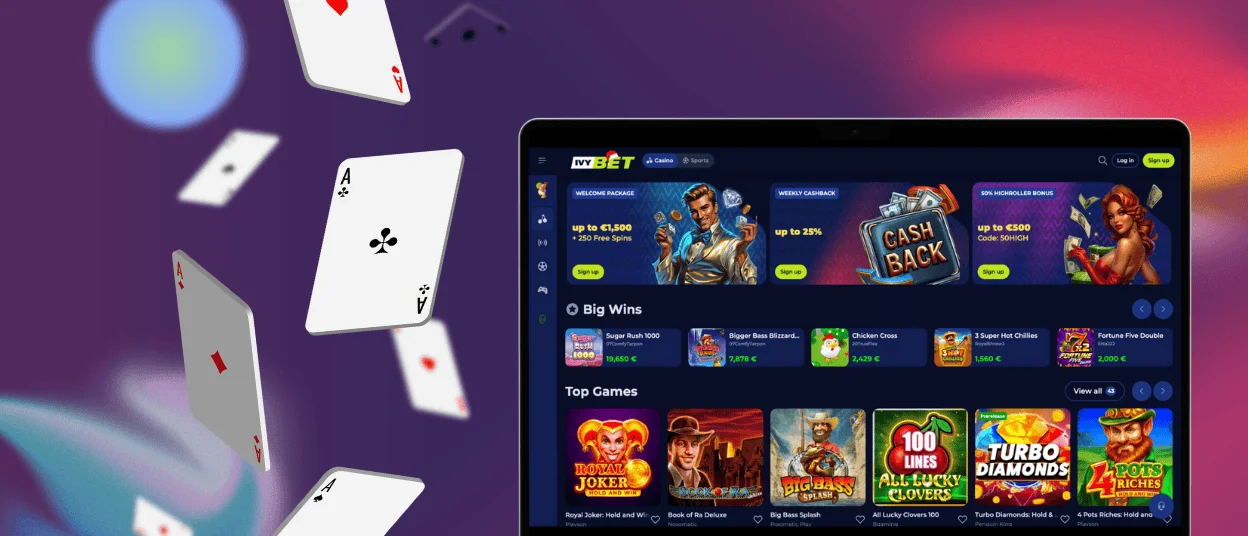
We’ve included desktop users in our effort to make gaming accessible across platforms. Many online casinos limit mobile options, but the Ivy Bet Casino App optimises Windows and macOS.
Windows and macOS users have two convenient options:
Browser-Based Access
The easiest way involves no downloads. Visit the official Ivy Bet Casino website in Chrome, Safari, Firefox, or Edge. Our responsive design adapts to your screen size and quality for a smooth experience like a dedicated app. This approach unlocks all games, account features, and bonuses.
Desktop Application
We provide lightweight Windows and macOS desktop software for a more integrated experience. This app offers:
- Faster access without a browser
- OS-specific performance optimisation
- Bonus and promotion desktop notifications
- Lower resource use than browser-based play
Select your operating system from our “Casino App” section to get the desktop app. Installation is easy and supervised, taking minutes.
FAQ
Is customer support available through the IvyBet Casino app?
Yes, our customer assistance is available through the IvyBet app. Our help team is available 24/7 via live chat by tapping the support symbol. For more comprehensive questions, our email support team responds within 1–2 hours. Like our desktop platform, all support choices offer high-quality help.
Is there an IvyBet Casino app for Windows and macOS?
Yes, IvyBet has a browser-based and Windows/macOS desktop client. The desktop software speeds up loading, displays promotions, and optimises performance for your operating system. It’s a lightweight software that provides the full casino experience without a browser.
Do I need an account to use the IvyBet Casino app?
Using the Ivy Bet application requires an account to use the application fully. It enables new users to create accounts in just a few clicks with very little information and verification. Current users can log in via credentials. Accounts are required to monitor progress in the game, control cash and get personalised incentives.
Can I play live casino games on the IvyBet Casino app?
In HD, the Ivy Bet mobile Casino application has a live casino option, which is manned by seasoned dealers. Real-time blackjack, roulette, baccarat, and poker can be played. The mobile live casino offers a minimised version of the live casino, optimised for the smaller browsing devices, without compromising picture clarity or smooth play on the 4G networks. And don’t forget to hunt for the Welcome Package! It is now up to €1,500 + 250 Free Spins!
Are all games available on the app?
Nearly all IvyBet games are available on the mobile app. About 95% of our over 6,000 games are mobile-friendly and synchronised across platforms. The few exceptions are older, non-mobile-optimized games. New releases are launched simultaneously on desktop and mobile, and are cross-platform compatible.
How to withdraw winnings via the IvyBet app?
The IvyBet Casino app makes winning withdrawals fast and safe. Go to “Deposit”, click “Withdraw,” choose your payment method (e-wallets, bank transfers, cryptocurrencies), input the amount, and confirm. First-time withdrawals may need verification. E-wallets process in about 24 hours, whereas bank transfers take 2-5 business days.


